What do I do if I forgot my password?
Need to Reset My Password
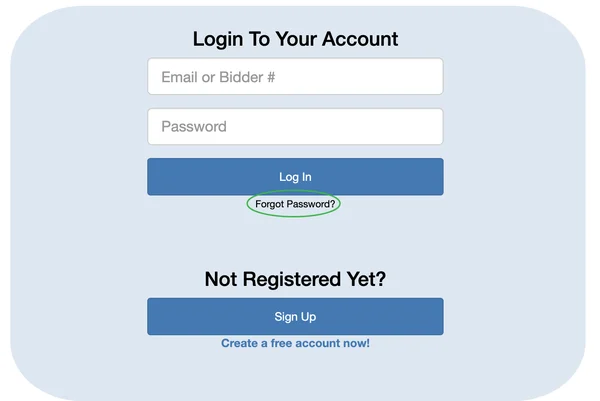
You can request a password reset by clicking on the "Forgot password" link on the log-in page.
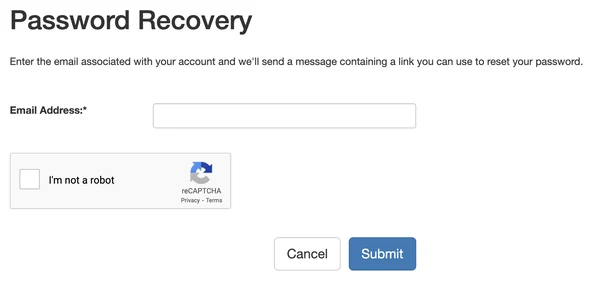
You will be prompted to enter the email address you used to register:
Tip: Check your email (including your junk folder) for a link to reset your
password.
When you click the link, you will be directed to create a new password.
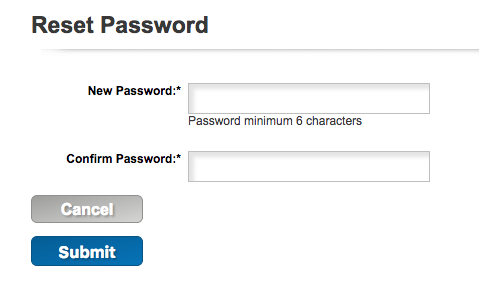
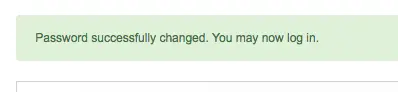
Click Submit. You will be redirected to the Login page. Use your new password to log in.
What if I know my password but I want to change it?
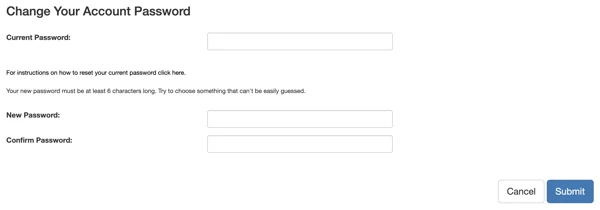
Log into your account as usual, then click on the "Account" tab at the top of the page. Then click the "Change Password" button on the left-hand side to choose a new password.