Your invoice shows what you won, how your total adds up and where to pick up. Find it under Invoices in your dashboard.
What's on your invoice, top to bottom
- Checkout code: the QR code at the top. Show it at pickup.
- Invoice number and status: shows whether the invoice is Paid.
- Bidder and seller details, including the seller's contact info.
- Auction details: the auction name and date.
- Items you won: each item with its quantity, hammer price and any item-level tax or fee.
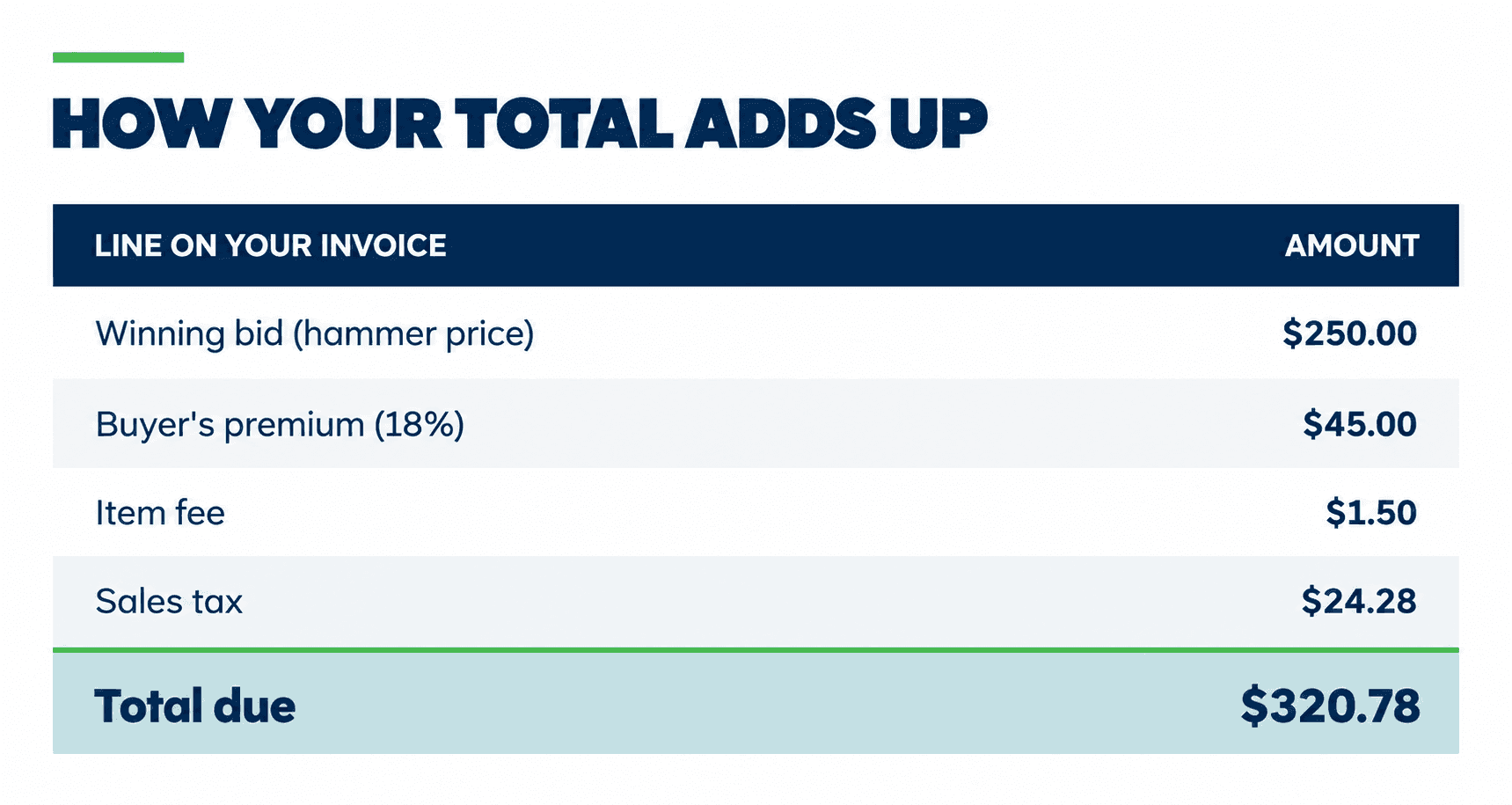
- Fee breakdown: the $1.50 platform item fee for each item/lot and any special fees.
- Summary: how your total is built.
- How sales tax was calculated: which items were taxed and which weren't.
- Payment details: each payment, how it was made and when, plus your remaining balance.
Your invoice lists each payment with the amount, method and date, so it works as proof of payment.
Something look wrong?
Message the seller from your invoice or from Messages in your dashboard. For questions about the website, contact us.